How to Check Order Fee Details
- Fee Details
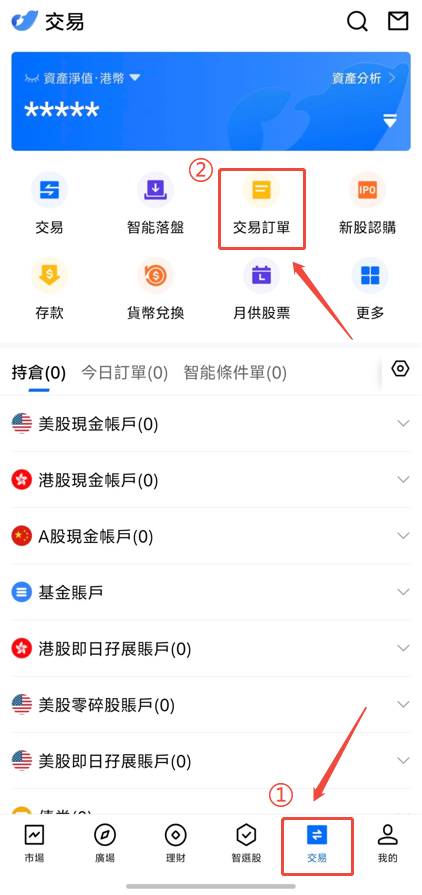
On the next trading day after the transaction is completed, you can view the fee details on the Trade page or Daily Statement. For Hong Kong and US stock data, the information will be displayed after the market close and clearing process for the day is completed:
- Hong Kong stocks: Expected to be updated after 20:00 on the trading day.
- US stocks: Expected to be updated after 14:00 on the trading day.
Reminder: The above clearing times are for reference only. The actual display time will depend on the processing progress of the Settlement Department.
- Statement and Order Record
On the next trading day after the transaction is completed, you can view the official statement and all order records in the APP.
APP path: Log in to the APP and go to Trade → Order / All Orders.